
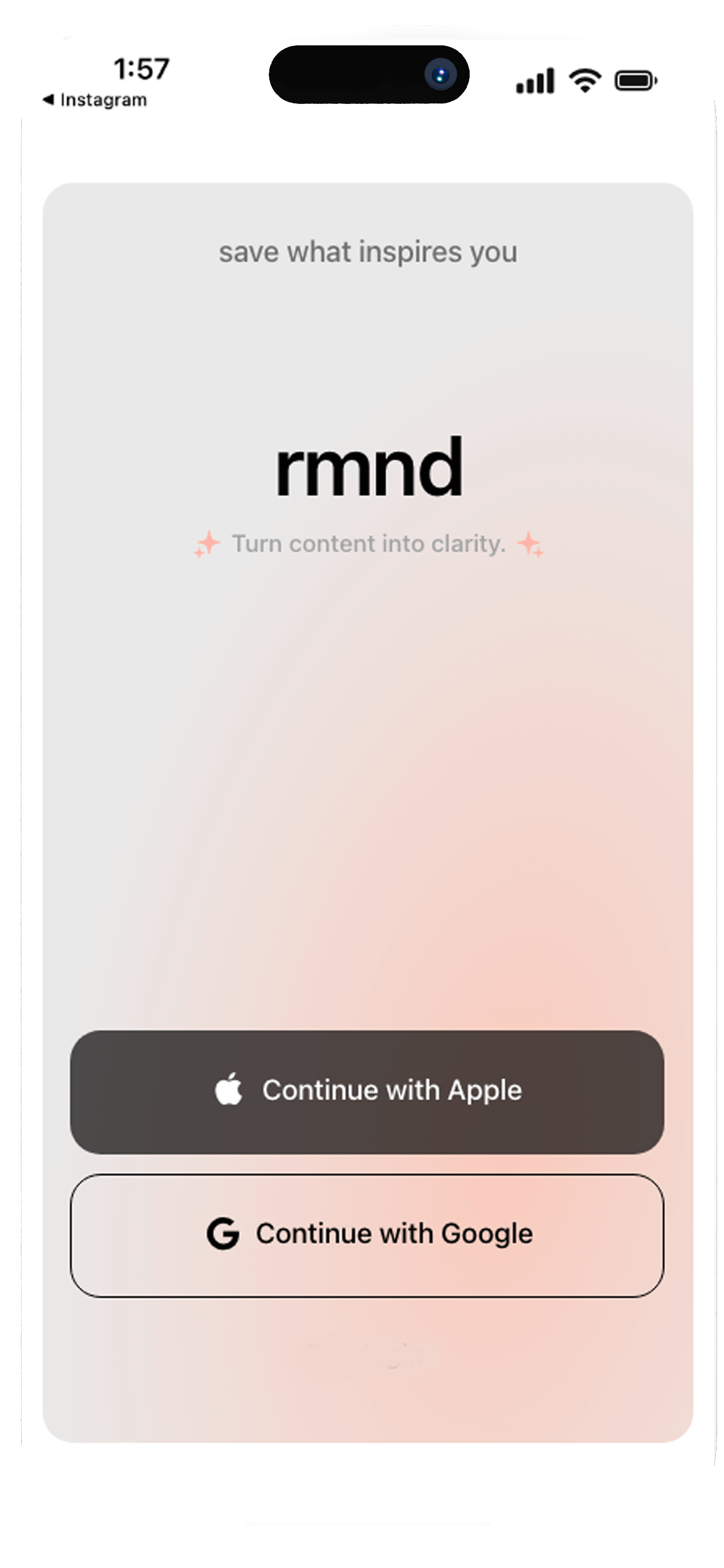
We extract ingredients, steps, and nutrition from any video or link. So you can cook, not scroll.

You see an amazing recipe on TikTok. You hit save. Then it joins 500 other videos you'll never find again. When you finally want to cook it, you're scrubbing through a 60-second clip trying to catch "a pinch of this" and "a splash of that."
Screenshots? Buried in your camera roll.
Notes app? A chaotic mess.
Bookmarks? Forgotten

Find any recipe by name, ingredient, or cuisine.

Ingredients, steps, macros. No more pausing videos.

Share a link from Instagram, TikTok, YouTube, Pinterest or search directly in the app. One tap.

We extract the recipe: ingredients with instructions, cook times, & estimated nutrition.
No more pausing videos. No more screenshots. Just a clean recipe card ready when you are.

Instagram reels, TikTok videos, YouTube shorts, Pinterest pins, food blogs—if it has a recipe, we can grab it.

Ingredients, steps, prep time, cook time, servings, macros—automatically pulled and organized.

Long-press any ingredient to add it to your grocery list. Items grouped by recipe. Check off as you shop.
Hands-free, step-by-step view. Keep your screen on while you cook.

Organize by cuisine, occasion, or however you think. "Quick weeknight dinners" or "Impress the in-laws."

Don't have a link? Search Google, Bing, or recipe sites directly in the app and save what you find.
Every saved TikTok you'll never find again.
Every screenshot buried in your camera roll.
Every "I'll remember this" that you didn't.
rmnd fixes that.
rmnd works with TikTok, Instagram Reels, YouTube Shorts, Pinterest, and virtually any food blog or recipe website. If it has a recipe, we can extract it.
Our AI is highly accurate at extracting ingredients, measurements, steps, and nutrition info. You can always edit any recipe after saving to make adjustments.
Yes! Once a recipe is saved, it's stored on your device. Access your entire collection anytime—even without internet connection.
Your recipes stay on your device. If you resubscribe later, everything syncs back automatically. We never delete your collection.
Absolutely! Start with a 7-day free trial with full access to all features. Cancel anytime before the trial ends—no charge.
Yes! Adjust ingredients, modify steps, change serving sizes, add personal notes, or upload your own photos. Make every recipe yours.
Long-press any ingredient to add it to your list. Items are grouped by recipe so you know what's for what. Check off items as you shop.
Your recipes are securely backed up to the cloud. If you switch devices or reinstall the app, sign in and everything restores automatically.